Content Pruning Content Pruning is when you remove and update...
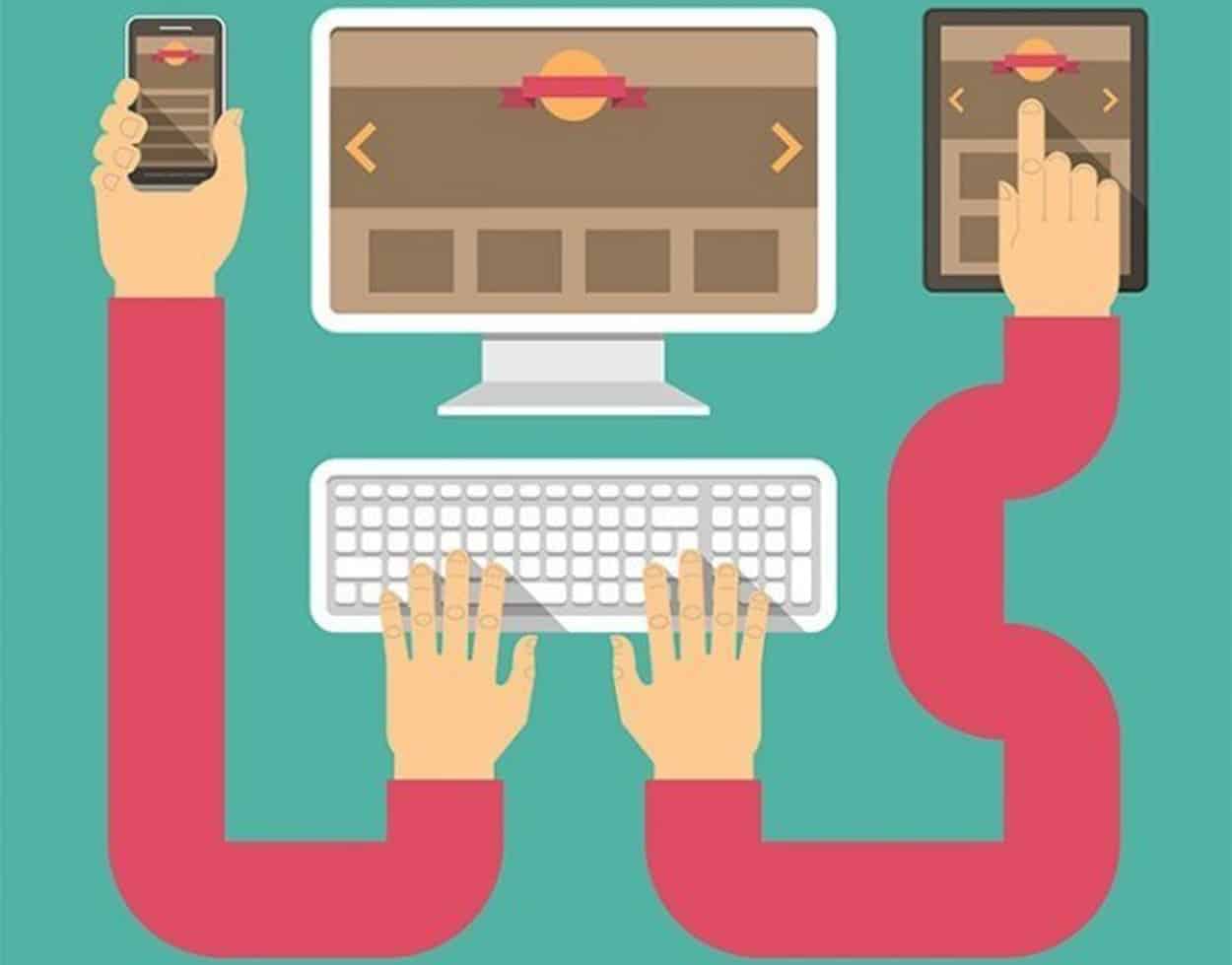
The days of static websites are long gone but in the early days of the world wide web, updates to websites often started with a call to the designer. This was because sites were originally written entirely in code. If you didn’t know that #FF0000 meant “red”, then you had to find someone who did. Fortunately, we have come a long way since then and website owners are able to update their sites on a regular basis on their own creating and posting new content as often as they like.
Regular fresh content is not only essential to the user experience but also to your search engine optimization. When websites are continually adding new and relevant content, search engine crawlers take notice and award these sites with higher search engine rankings than sites that stay static.
But business owners don’t want to have to call their web design company every time they’d like to make a simple change. (And quite honestly, web design companies don’t want that either!) So you need to have the ability to make basic updates yourself. Most website design today comes with a full content management system (CMS) that allows you to make basic changes.
These changes include content changes and additions, uploading of files such as photographs, images, video files and pdfs. You can even add new pages to your website.
For example, you may wish to make a simple content change – such as changing your business hours. Or you may wish to add entirely new content – such as a blog post or a new product. Your CMS will allow you to do this.
Other changes may include adding photos of a recent event held at your company or pdf files such as price lists. Speak to your designer to ensure that your CMS will include everything that you want it to.
Unless you have design experience, it is not a good idea to try to change the actual design or structure of your website however.
Most CMSs are fairly straightforward and easy to learn. They are set up for the non-designer and it is unlikely that you are going to accidently “break” your website. But if you are unsure, make sure that you take the time to ask your website designer about how to use it.
Also, don’t be afraid to ask questions about the type of content and the frequency at which you should be adding it. If you intend to blog, have a conversation with your web designer about SEO and ask for a few tips. And your learning doesn’t have to stop there either. Do some of your own research on SEO strategies and best practices. Remember, the better you understand these things when you are updating your content, the more successful your site is likely to be.
You no longer have to contact a designer to update website – especially simple ones. Of course, if you have major design changes or any other issue that you don’t feel comfortable doing yourself, your web design company should be willing and able to help you.
What Are Some Of The Top Online Marketing Mythis? Online...
Why You Should Conduct Regular SEO Audits Conducting SEO Audits...
Effective Marketing Strategies Don’t Only Focus On SEO Effective Marketing...
Mobile Web Design & Compatibility Website On Mobile Device How...
What’s Needed To Design High-Conversion Forms Common Mistakes to Avoid...
Web Design Trends and Features Techniques for Good Website Development...
Understanding The Difference Between SEO And SEM SEO and SEM...
Local SEO For Multiple Locations Local SEO SEO Techniques It’s...
Some Strategies That A Good Toronto SEO Company Will Do...
What Should I Include In My SEO Checklist Success Factors...
The Four Most Important Ranking Factors For SEO In Toronto...
SEO Tips When Targeting Queries With Low Search Volume High...
What Is Google PageRank Does Google PageRank Really Matter? Search...
How Can I Build My Brand with Internet Marketing? Build...
What Are Some Methods For Retargeting Toronto Consumers? Methods for...
Changes In The Web That Are Important To Note Changes...
Does Your Website Design Need To Be Mobile Friendly in...
What Goes Into a Flat Website Design? Which Elements and...
Optimizing Website For Voice Search Optimizing Website For Voice Search...
My Competitor’s Traffic Research How Much Traffic My Competitor’s Sites...
The Benefits Of Bing Advertising Bing Advertising Pay-Per-Click Market Online...
Master Mobile E-Commerce Optimizing Your Website Why You Must Master...
Benefits Of Using Web Design Templates Types of Templates You...
Most Prestigious Website Design Awards Acknowledging The Work Giving Recognition...
What Trends In Web Design Are We Seeing In 2015?...
4 Strategies To Get Media Publicity Without Pitching Strategies To...
Citation Tracker & Local Directory Listings Citation Tracker Managing Local...
The Importance Of Colours In Web Design Mix Shades And...
3 Practical Ways To Improve Your Domain Authority Improve Your...
Is PPC Advertisement Worth My Time? PPC Advertisement Catches Attention...
How Does Search Engine Marketing Work? The Objective of SEM...
Video Optimization Guide For Search Engine Optimization How to Utilize...
How To Choose The Best E-Commerce Platform? Best E-commerce Platform...
Want to Create an Ideal Ecommerce Site? Here is What...
Automated Link Building Can I Automate the Link Building Process?...
Tips For Designing An Innovative And Functional Website Navigation 5...
5 E-commerce Stores With Impressive Shopping Experience E-commerce Websites Following...
Should You Focus On Page Rank Or Domain Authority? Page...
Is Your Page Considered Low-Quality By Google Effective SEO Strategies...
A Look at Intelligent Web Design Now and in the...
Advantages vs Disadvantages Of A Custom E-commerce Website E-commerce Industry...

Nova Solutions Headquarters
700 University Ave, Toronto, ON M5G 1X6
Tel: +1 800-790-3082
Office Hours: M-F 9am – 9pm
Copyright © 2021 Nova Solutions Corporation | All Rights Reserved.
Working with Third-Parties
A good website starts with stunning design. As the Lead Designer at Nova,
Andrew uses his vast experience with web development, graphic design &
brand building to create the majority of our web portfolio. He has worked
with many CMS & commerce products and has built innumerable websites.
Andrew excels at creating stunning (UXD) User Experience Design and
endeavors to put a little bit of soul in every web design project so that it may
have a life of its own.
Kevin is a strategic thinker that can quickly evaluate and find creative
solutions to challenging digital problems. Since 2001, he has been
developing solutions that not only maximize digital presences
but that also have the most impact on markets.
Kevin is a Senior Consultant at Nova Solutions who is passionate about SEO,
user experience and conversion optimization.