Why Consider Bing for SEO Strategy? Search Engine On The...
When selling products and/or services online, it’s not enough to set up an ecommerce site and then hope for the best. You need to get people to buy from you, and in order to do that, you have to create a site that visitors won’t want to leave after just a few seconds. Good online store website design is one way to hold visitors’ attention. If the design is poor, most people won’t bother to stay on the site long enough to even see what you have to offer.
There are many things you can do for having a great website design for your store. Even after you get it up and running, there is always room for improvement.
Here are some ideas on what you should and should not do with your online store website design.
– You should have a nice, clean layout that does not look cluttered or overly flashy. There should be a good balance between images and text; don’t go overboard with text either. Too much text will turn a visitor away because they want to shop, not read. Too many images will turn a visitor away not only because they make the layout look messy, but also because they will bog a browser down and your site will not load quickly enough. The aim is to get them to buy from you, not to crash their browser.
– You obviously can’t put images of every product on the main page (unless of course, you only have two or three products!). It’s ideal that you feature your most popular products. You might also want to include images of current promotional items displayed as well.
– Use bread crumbs. These are effective tools that allow users to easily navigate through your store. Think of bread crumbs as a type of GPS for an internet store. They show the user the path they took to reach a certain page, and link multiple pages in a relevant way. Implement the bread crumbs in a way that allows for a logical sequence of steps to be presented.
– Use a simple system of filters to allow potential buyers to view the products they’re interested in by their choice of parameter, be it size, color, price, current deals, etc. Make it easy to find what they’re looking for.
– Make sure that the search bar is in plain sight on every single page. The search function should be intuitive and fast at delivering results. Whether the user enters a basic term or a specific product, the search function should provide relevant results. You might also want to implement auto suggestions and auto correction to make it easier to find products they’re interested in – even if they misspell something.
– In addition to the search function, a mega-menu should be added to every page. This huge fly-out menu contains categories and subcategories displayed in an organized manner. Organization is essential when it comes to online store website design.
– Use basic colors. The design should be easy on the eyes. The top internet stores have white backgrounds with black font for the regular text and blue font for the links.
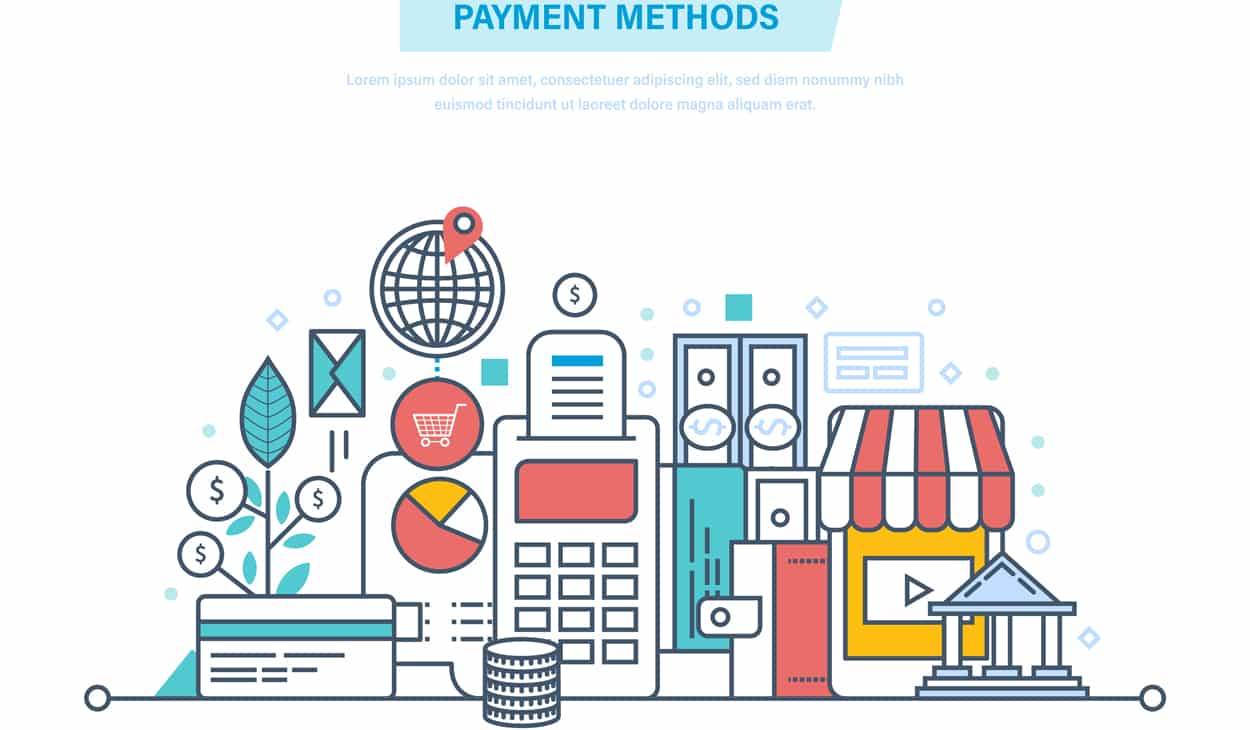
– Have all of the payment options displayed on every page. This includes credit/debit card logos, the Paypal logo, etc. Also, make the shopping process user-friendly. It should be easy for customers to select the size, color, and quantity they want for each item. Have the prices for each item displayed clearly, as well as the total cost of the items in the shopping cart (including taxes if necessary).
Keep these tips in mind when working on your online store website design, and you will be increasing your sales potential.
Why Consider Bing for SEO Strategy? Search Engine On The...
What are the main stages of a website design? As...
SEO For Mobile Becoming Increasingly Important For Toronto Businesses Mobile...
Creating An Effective SEO Strategy Growing Online Presence Time And...
6 Factors to Consider When Choosing the Right Web Design...
Essential Elements For 404 Error Page A “Not Found” Page...

Time Frame For Building A New Website Building Your Website...
Which Retargeting Company is the Best? “Best” Retargeting Company What...
Can Link Building Hurt My SEO? Creating High-quality Content Don’t...
Should You Focus On Page Rank Or Domain Authority? Page...
Automated Link Building Can I Automate the Link Building Process?...
Why You Must Work With SEO Companies in Toronto That...
Learn About SEO In Toronto With These Helpful Guides &...
Web Design Vs. Web Development: What’s The Difference? Web Design...
Is Your Page Considered Low-Quality By Google Effective SEO Strategies...
Automotive Dealership SEO Campaign Helpful Tips For WordPress Website using...
What Are Keywords How to Use Them for SEO Keywords...
Why Faceted Navigation Is Not Good For SEO Undermined SEO...
Blog Search Engine Marketing Benefits & Ideas For Local SEO...
SEO News & Tips For Amazon Sellers In Toronto Amazon...
What’s Needed To Design High-Conversion Forms Common Mistakes to Avoid...
What is Magento Website Development? How Does It Work? An...
Mobile Web and App Strategy Mobile Search Experience Mobile Search...
Does Your Website Design Need To Be Mobile Friendly in...
How To Utilize Call Tracking In Pay Per Click Campaign?...
Tips For Running A Local PPC Toronto Campaign Local PPC...
Responsive Website Design: One Site Fits All Investing in a...
Effective Marketing Strategies Don’t Only Focus On SEO Effective Marketing...
Changes In The Web That Are Important To Note Changes...
The Art of Republishing Old Content It is not possible...
Is WordPress For Blogging? Advantages of WordPress Isn’t WordPress Just...

What Is Baidu Search Engine? Chinese Search Engine Promising Growth...
What Makes A Good Web Design Company? Professional Design What...
6 Pay Per Click Advertisement Tips For Startups Pay Per...
Hottest Trends In Ecommerce Web Development Ecommerce Web Development Current...
Should I Be Using Social Media Analytics Tools? Social Media...
Fifteen Basic SEO Tips For Beginner Search Engine Optimization Simple...
What Are The Best Free WordPress Plugins? Content Management System...
Nova Solutions Headquarters
700 University Ave, Toronto, ON M5G 1X6
Tel: +1 800-790-3082
Office Hours: M-F 9am – 9pm
Copyright © 2021 Nova Solutions Corporation | All Rights Reserved.
Working with Third-Parties
A good website starts with stunning design. As the Lead Designer at Nova,
Andrew uses his vast experience with web development, graphic design &
brand building to create the majority of our web portfolio. He has worked
with many CMS & commerce products and has built innumerable websites.
Andrew excels at creating stunning (UXD) User Experience Design and
endeavors to put a little bit of soul in every web design project so that it may
have a life of its own.
Kevin is a strategic thinker that can quickly evaluate and find creative
solutions to challenging digital problems. Since 2001, he has been
developing solutions that not only maximize digital presences
but that also have the most impact on markets.
Kevin is a Senior Consultant at Nova Solutions who is passionate about SEO,
user experience and conversion optimization.